
Automatic imports
Bring transaction activity in from connected accounts without logging every purchase by hand.
HyperSync
Once your accounts are connected, HyperSync automatically imports and categorizes transactions so your budgets and insights stay current—without turning money management into a data-entry project.
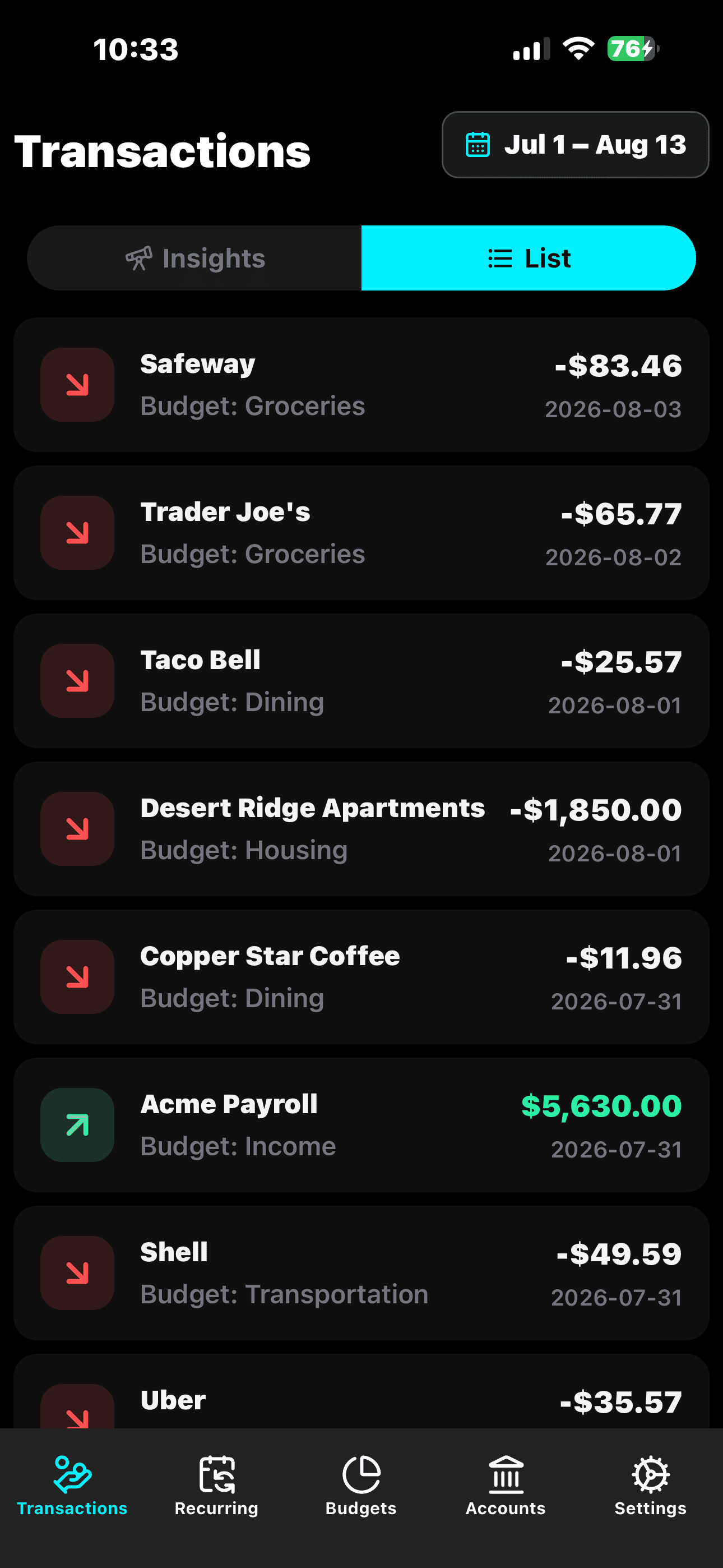
A budgeting habit is easier to keep when the everyday activity behind it arrives without a pile of manual updates.
Bring transaction activity in from connected accounts without logging every purchase by hand.
HyperSync categorizes activity so individual transactions contribute to a clearer spending picture.
Synced activity flows into the budgets and financial views you use to understand your money.
Why it matters
Manual trackers often start with good intentions and end when entering every coffee, bill, and card purchase becomes too much upkeep. Missing activity makes the picture less useful, which makes the habit even harder to maintain.
HyperSync connects your transaction activity to the rest of HyperFX. Instead of rebuilding your financial history line by line, you can spend your time understanding the patterns behind it.
How it works
Choose the supported bank accounts and credit cards that should contribute activity to HyperFX.
Transactions are imported and categorized as connected account activity becomes available.
See that organized activity reflected across transaction insights, budgets, and recurring payments.
Explore HyperFX